
Free on-site gate assessment - hinges, posts, and your LiftMaster or Nice gate operator checked before anything is quoted
The assessment is free and the quote is the invoice.
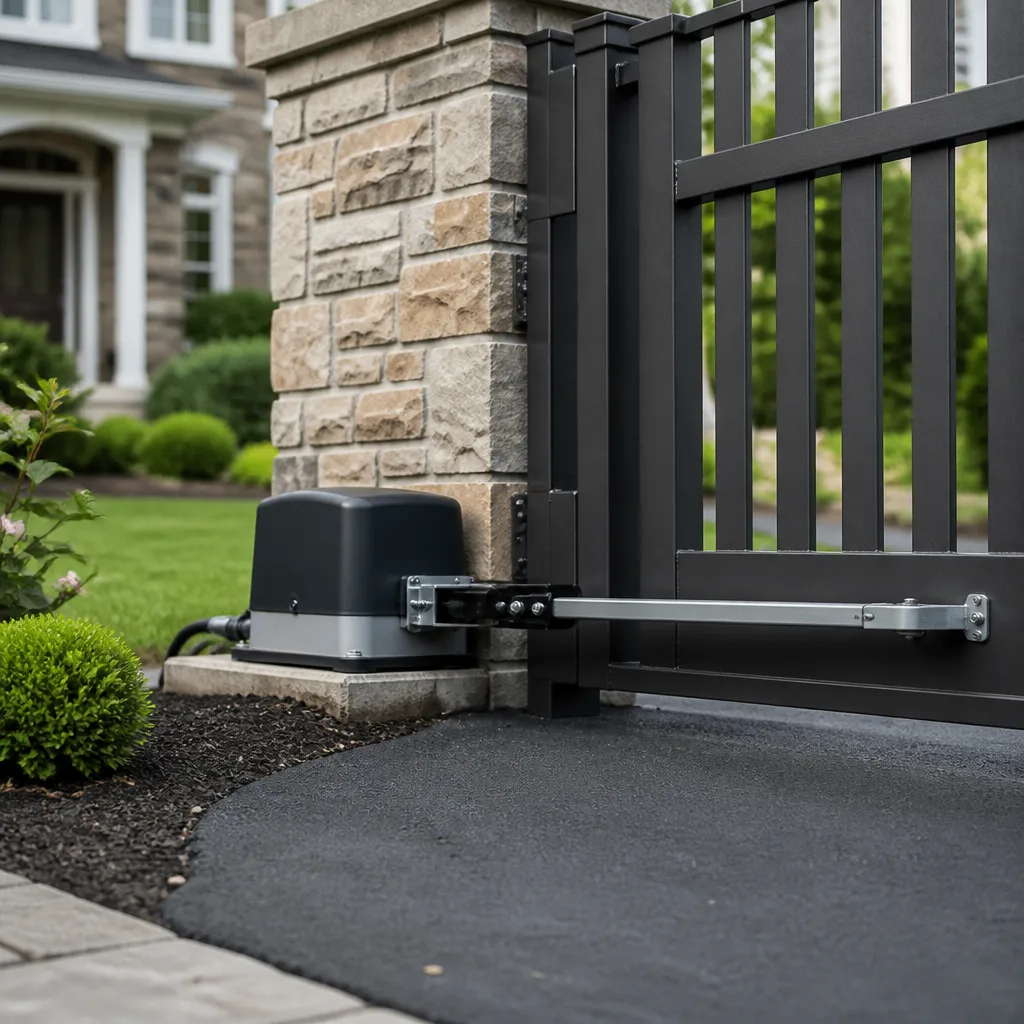
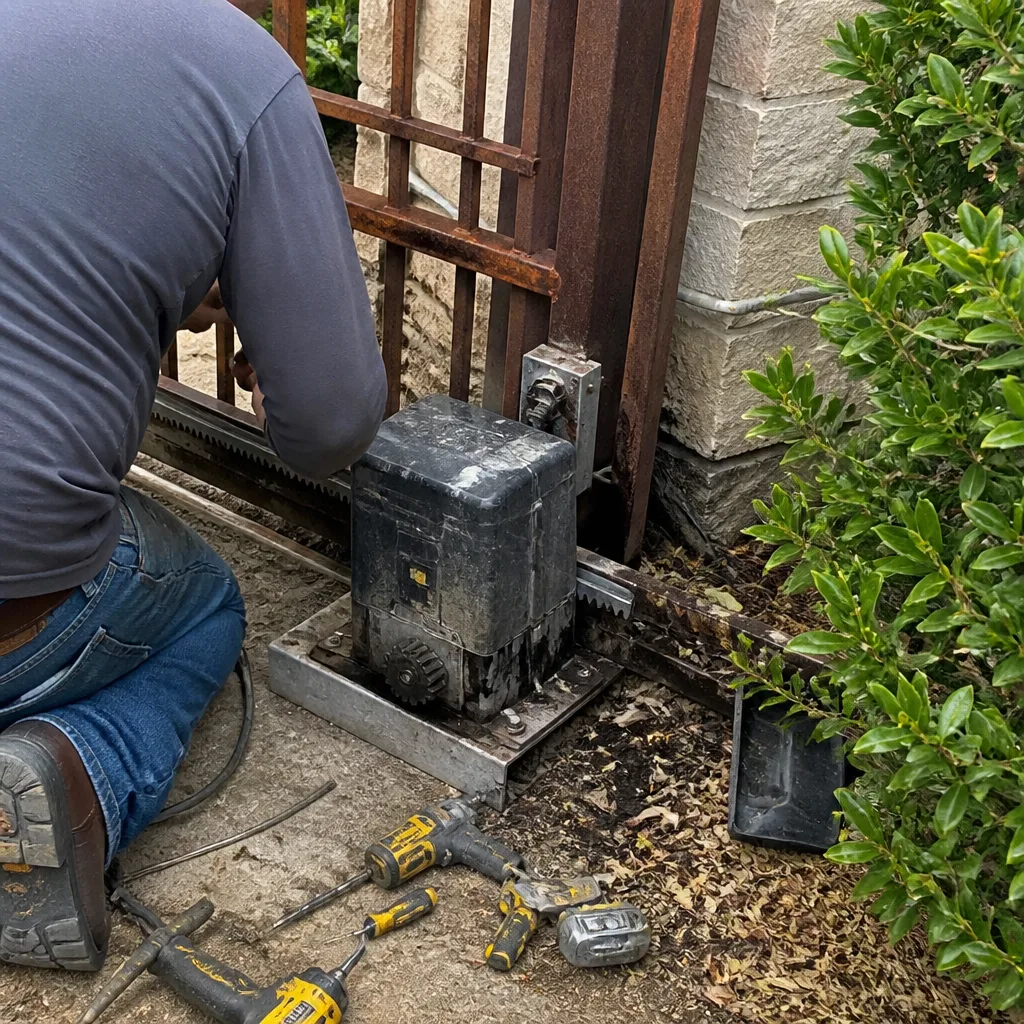 Before
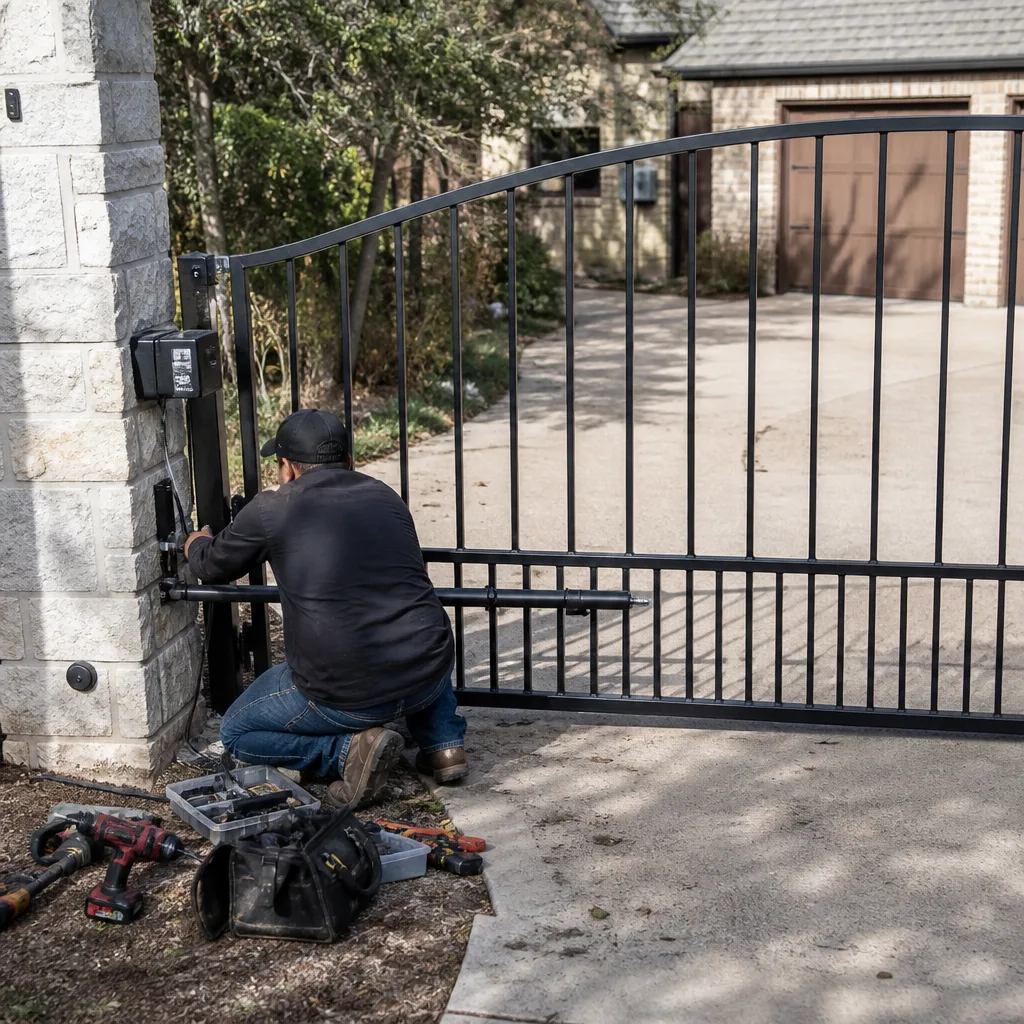 After
After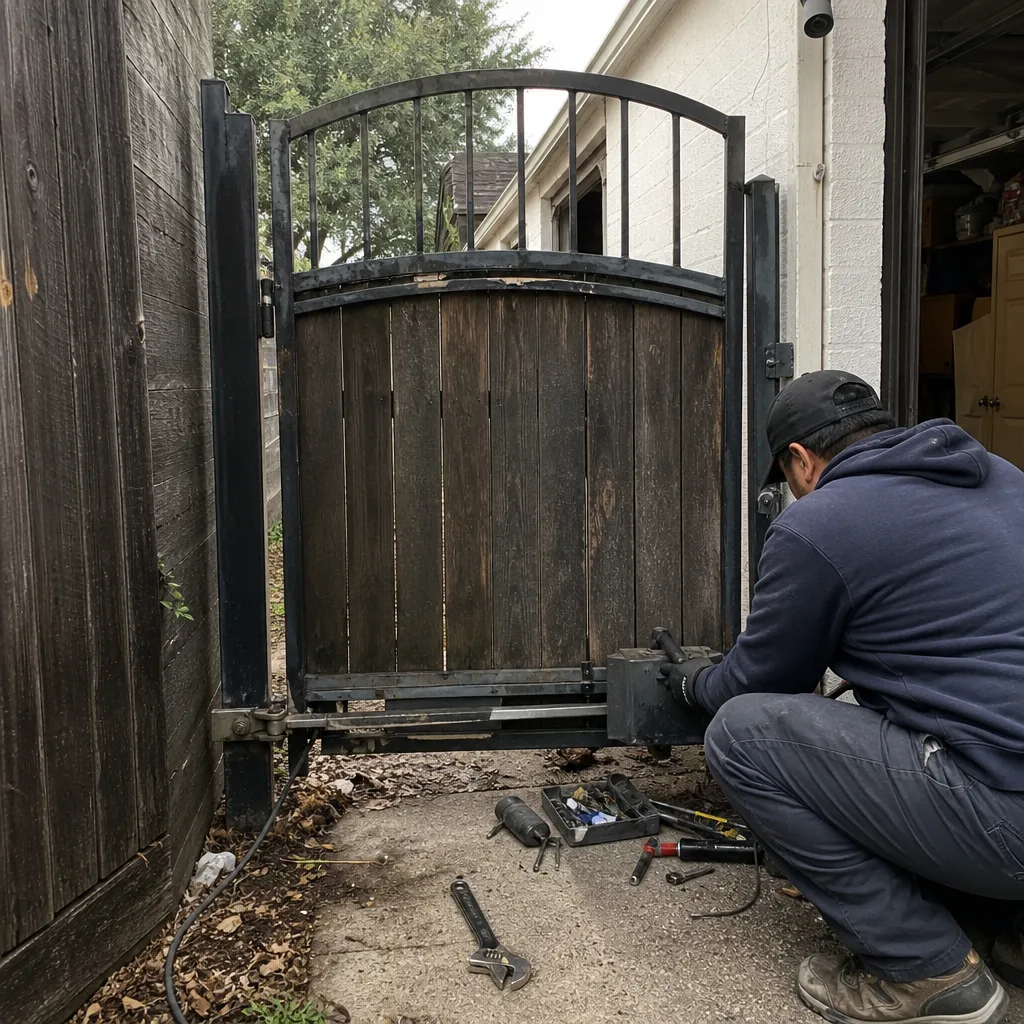 Before
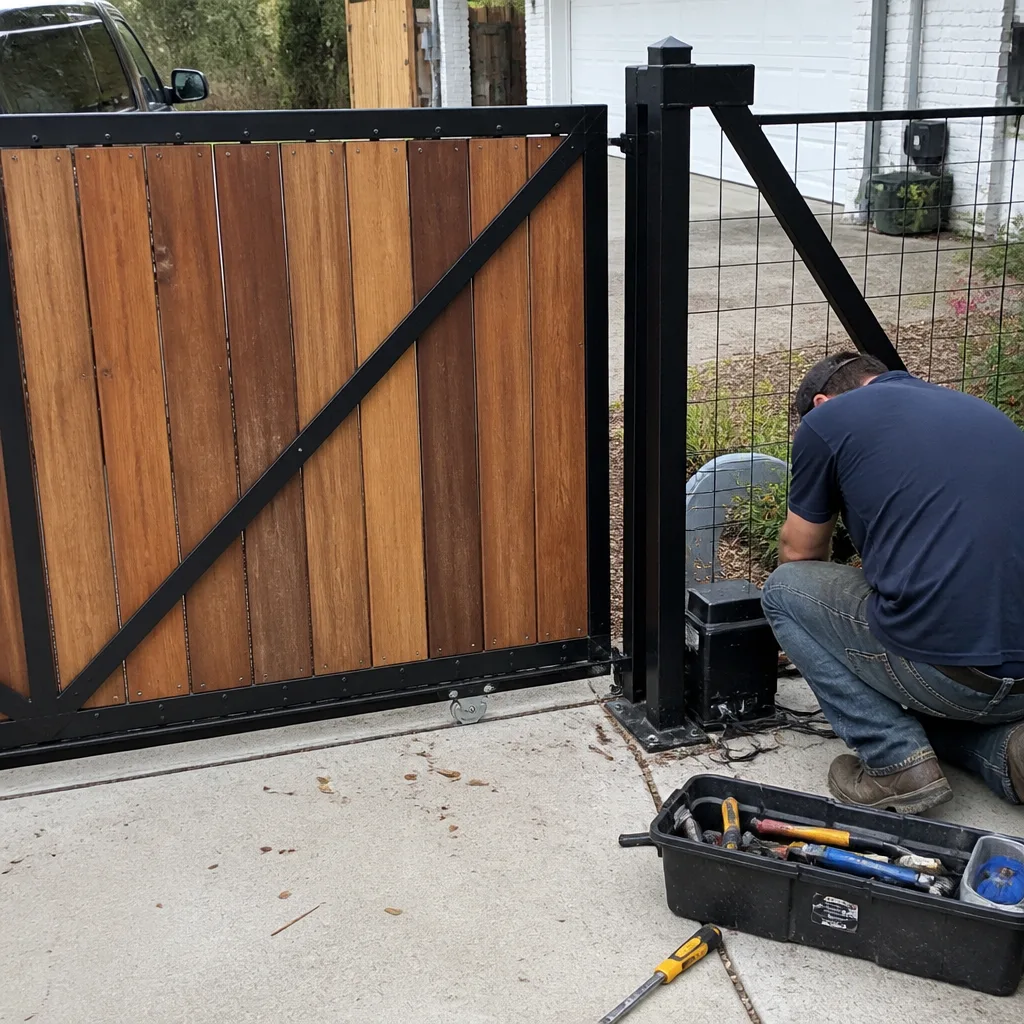 After
After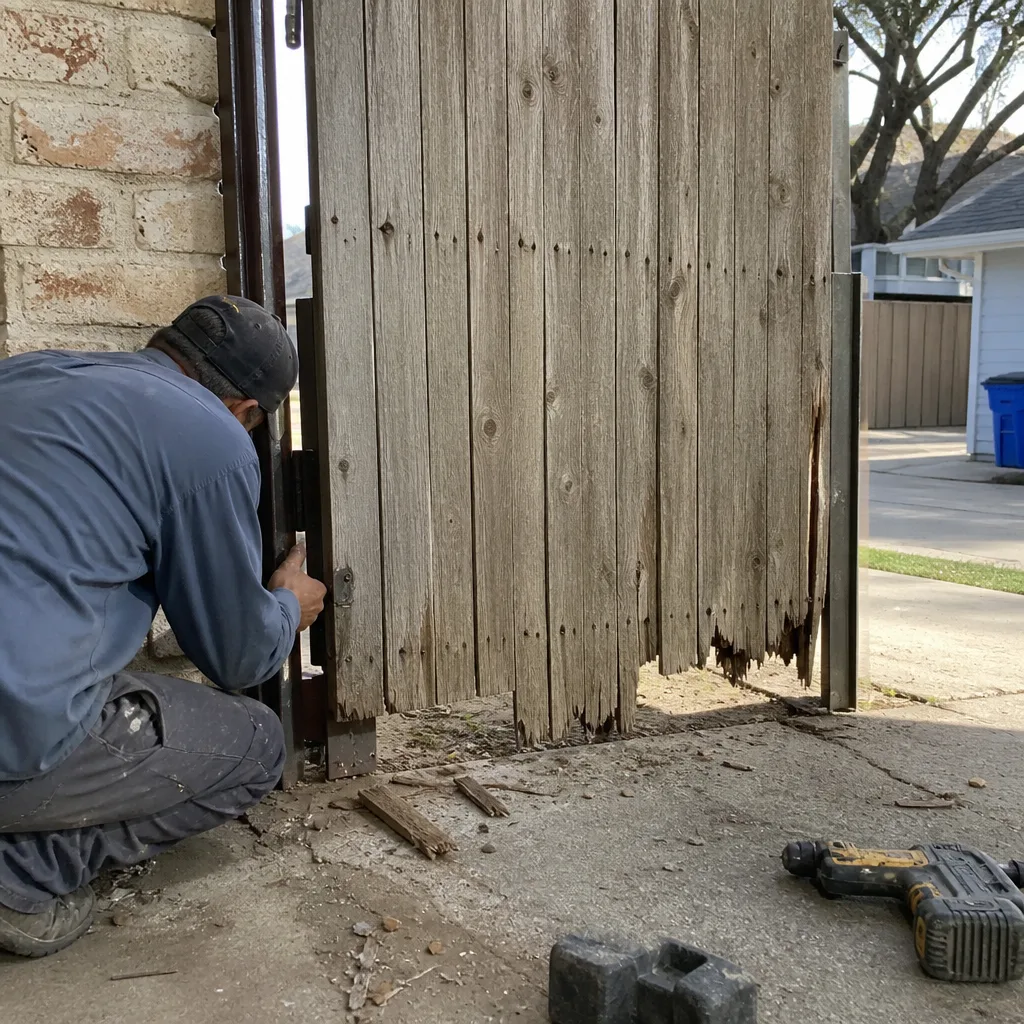 Before
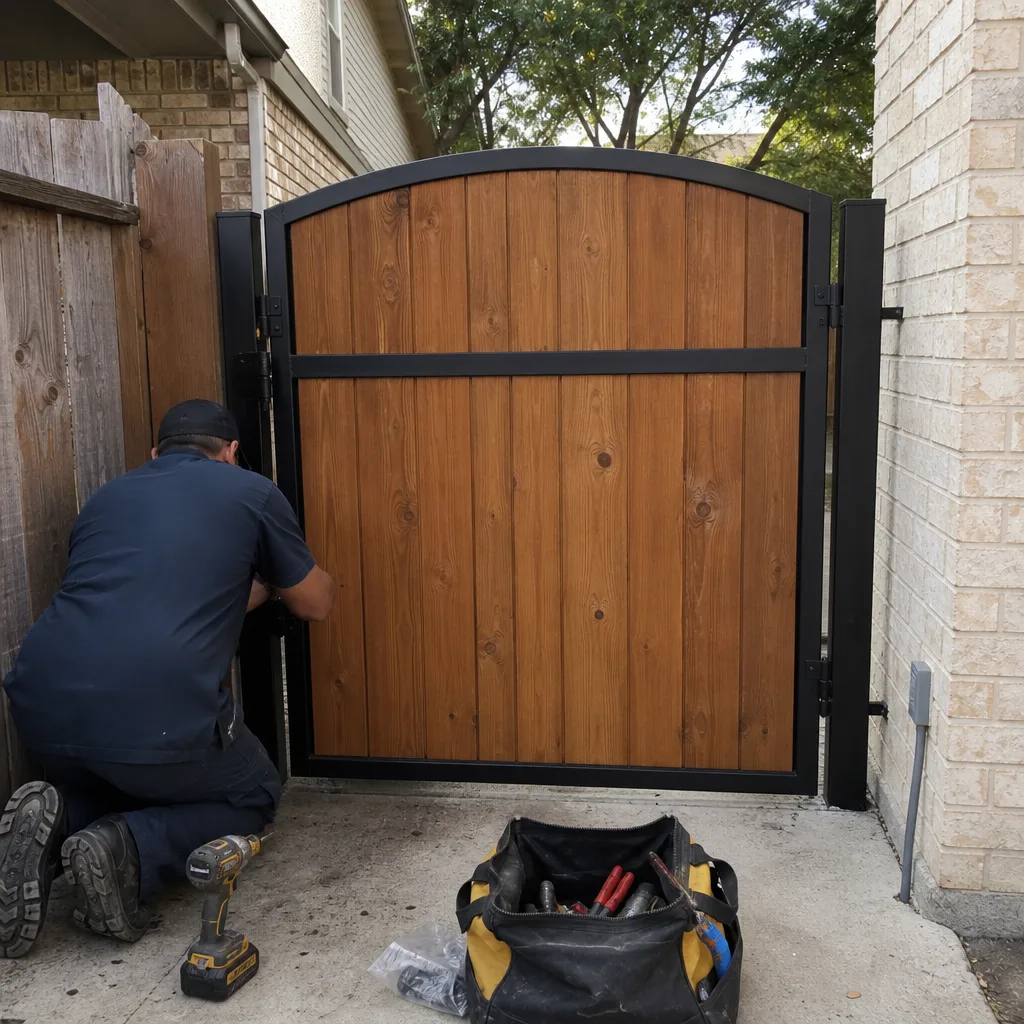 After
AfterMighty Mule Access Control Installation: The Fort Worth Owner’s Guide
We install and replace Mighty Mule access control components across Fort Worth, with most jobs running between $185 and $395 for keypads, receivers, and control boards when the existing wiring is sound. If your keypad stopped reading codes or the gate ignores the remote entirely, that’s the access control system telling you something failed. We carry Mighty Mule-compatible parts on the truck, and most Fort Worth access control swaps are done in under two hours with a written price in your hand before we start.
Here’s how this usually goes in Fort Worth: the gate motor still runs when you jumper the test button, but the keypad beeps without opening anything. Or the remote works from ten feet away on Tuesday and twenty feet away on Thursday, then quits. The motor isn’t dead. The access control layer is. That layer, the keypad, the receiver board, the antenna, the wiring between them, is what we’re addressing on this page.
Which Mighty Mule Models This Applies To
Mighty Mule access control spans the FM series (FM200, FM350, FM500), the MM series (MM260, MM360, MM371W, MM571W, MM572W), and the newer Mighty Mule Smart gate controllers. The access control layer on these units includes the wireless keypad (MM-KP1000 style), the built-in receiver on the control board, and on Smart models, the Bluetooth and Wi-Fi module that pairs with the Mighty Mule app.
The gotcha most Fort Worth owners hit is this: Mighty Mule changed receiver frequency and keypad protocol between series generations. An MM371W keypad won’t necessarily talk to an FM500 control board, even though both are “Mighty Mule.” The simplest check is the sticker on the back of the keypad or the side of the control board. You want the model number, the part number if there is one, and the frequency in MHz if it’s printed. If you can’t read any of it, bring the keypad to the gate and we’ll match it against the board in about five minutes.
On the OEM versus aftermarket question: Mighty Mule OEM access control parts are solid, but the aftermarket receivers and keypads from suppliers like LiftMaster and DoorKing aren’t cross-compatible with Mighty Mule control boards unless you swap the whole access layer. We do that. It’s one option. But for most Fort Worth gates, replacing the failed Mighty Mule part with a compatible Mighty Mule or equivalent part is faster and cheaper than a full access-layer conversion. If you want to move the gate off Mighty Mule for access control specifically, we’ll quote that honestly too. We’re an independent service provider, not affiliated with Mighty Mule, and the goal is your gate working, not brand loyalty.
Signs Your Mighty Mule Access Control Installation Is Failing
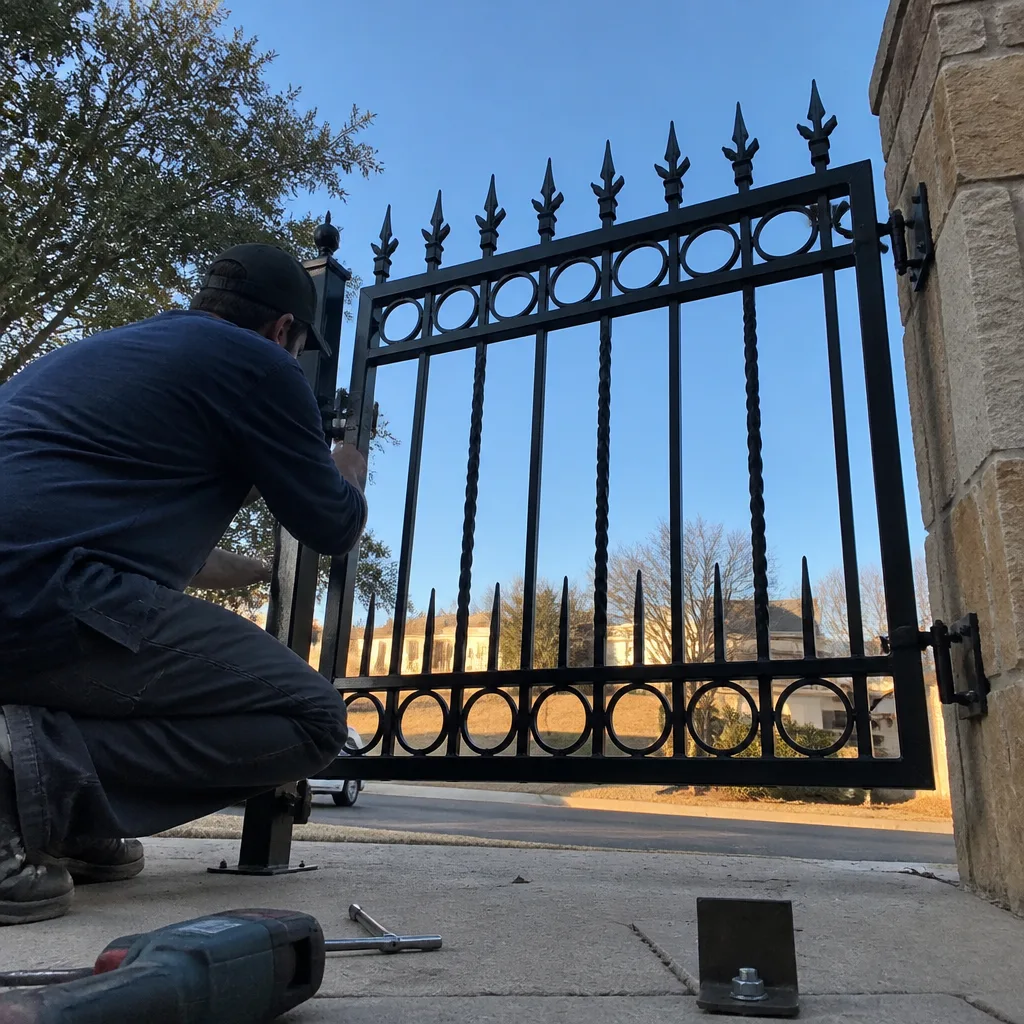
- Keypad lights up but the gate won’t move. The keypad is getting power and the codes are likely transmitting. The failure is on the receiver side of the control board or in the wiring between the keypad output and the board’s input terminal.
- Remote range drops to almost nothing. The antenna wire on the Mighty Mule control board is a known failure point. It’s usually a thin, coiled wire that comes loose from its terminal or corrodes at the connection. We see this constantly in Fort Worth’s humid spring and fall months.
- Gate opens on its own, randomly. A control board with signal interference or a failing receiver will occasionally open on stray RF. Fort Worth neighborhoods with heavy garage door remote traffic make this worse. Disconnect the antenna and see if the random opening stops. If it does, the access board is the problem.
- One keypad code works, another doesn’t. Mighty Mule keypads store codes in memory. When memory sectors fail, you’ll lose one or two codes while others still work. This is a keypad failure, not a wiring failure, and it will get worse.
- App shows “offline” on a Smart model but the gate opens manually. The control board is fine. The Bluetooth or Wi-Fi module failed or lost its pairing. This is a common Mighty Mule Smart issue and frequently fixable without replacing the whole board.
BeforeAfterReplacement Cost & What’s Included
Here’s the money. In Fort Worth, we install wireless keypads for $185 to $260. Control board receivers and antenna repairs run $145 to $225. Full control board replacements, needed when the receiver has failed on a board without a daughterboard option, run $225 to $395 depending on the Mighty Mule series. Smart module re-pairing is usually a $95 diagnostic plus parts if the module itself is dead, which happens more than Mighty Mule’s marketing would suggest.
Every one of those prices includes the part, labor, the trip, and the documentation. You get a written price before anything gets unscrewed. You get a photo log of the failed part, the replacement part, and the final wiring. Under Haven Standard Clause 1, the price we quote is the price you pay. If the board tests fine and the failure is a wiring short in the keypad run, that’s a separate conversation with its own written number before we proceed.
The 365-Day Done Right Promise covers the parts we install and the labor. If a keypad we installed in November stops reading codes in February, we’re back out to make it right at no charge.
DIY or Call Us?
Access control is low-voltage, not line-voltage. If you’re comfortable with a multimeter and can read a wiring diagram, you can test the keypad output and the antenna connection. Checking voltage at the keypad terminals and reseating the antenna wire are both safe. What goes wrong in the DIY route is matching the part. Mighty Mule has enough series variance that ordering the wrong keypad, the wrong board revision, or an incompatible receiver is common. We’ve had Fort Worth customers hand us parts from eBay that looked correct and weren’t.
The safety warning here is modest compared to spring work: this is low-voltage DC, not the 120V feed. That said, if the control board has a capacitor you can see bulging, don’t poke at it. Call us at (817) 476-9945. The diagnostic is quick, the price is written before work starts, and you won’t sit on hold.
Name what you found. Name what it costs. Name what you left behind. That’s the standard on every Mighty Mule access control job we do in Fort Worth.
FAQs
A Mighty Mule keypad installed outdoors in Fort Worth typically lasts four to six years before buttons stick, seals crack, or memory sectors fail. Full afternoon sun on a west-facing brick column shortens that. A keypad under a covered porch or in shade will last longer. Call (817) 476-9945 and we’ll match a replacement to your board on the first visit.
Sometimes. A loose antenna wire, a corroded terminal, or a failed capacitor can be repaired if the damage is limited to those components. A fried receiver chip or burned trace on the board means replacement. We’ll open the housing, photograph what’s there, and show you the decision either way. Estimates are free, and the written price comes before any work begins.
Most keypad and receiver board swaps on Mighty Mule gates in Fort Worth take 60 to 90 minutes once we’re on site. If the failure is in the buried wiring between the keypad and the board, that’s longer because we have to trace the run. You’ll know the time and the number before we start.
Yes. We carry Mighty Mule-compatible keypads, receiver boards, antennas, and Smart modules, along with cross-compatible parts for LiftMaster, Ghost Controls, and DoorKing access layers. Most Fort Worth access control jobs are completed same visit. If your exact board revision isn’t on the truck, the part is ordered with a date given in writing, and the price doesn’t change when it arrives.
Call (817) 476-9945 for a free estimate on Mighty Mule access control installation in Fort Worth. A live person answers, any hour.
Written by Adrian Vance, Owner, Vance Gate Repair Fort Worth at Vance Gate Repair Fort Worth, serving Fort Worth and nearby areas.